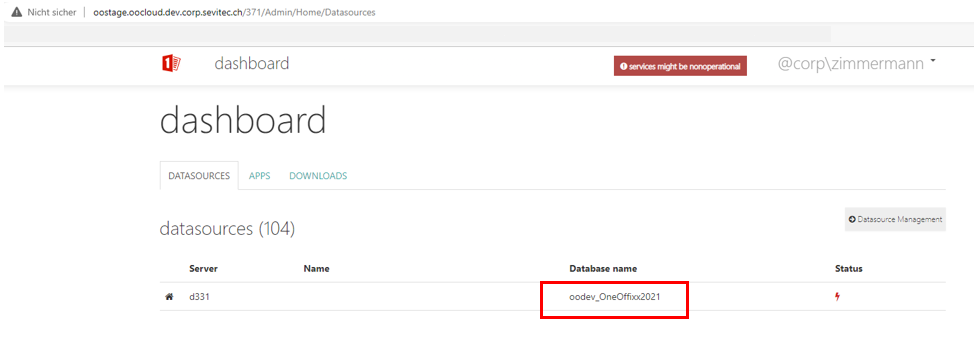
Open the dashboard
ℹ️ Info Applies to: on-prem customers; primedocs desktop, primedocs web, OneOffixx
Concerns: administrators
Would you like to open the Admin Dashboard in your web browser? Here's how:
Instructions
- Open your primedocs Client
- Switch to the “primedocs” tab
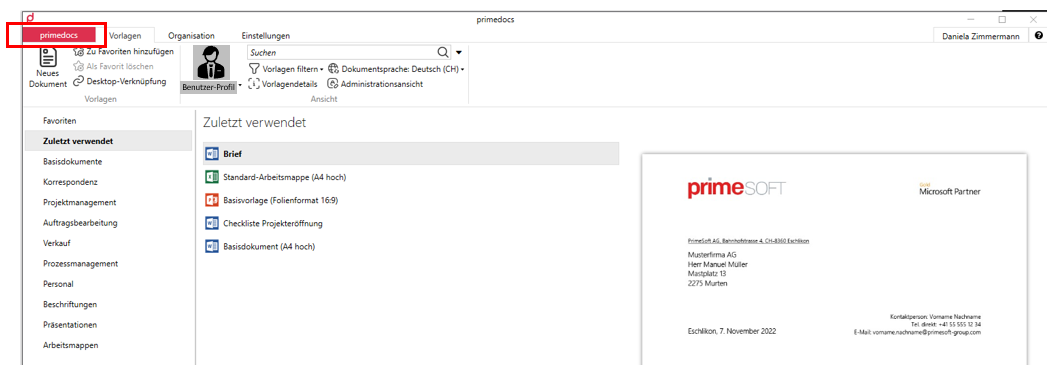
- Click Help.
- On the right-hand side you will now find the URL that points to your application server, the one the Client connects to. Copy the address up to but not including “service”, e.g. “https://primesoft.primedocs.io/”
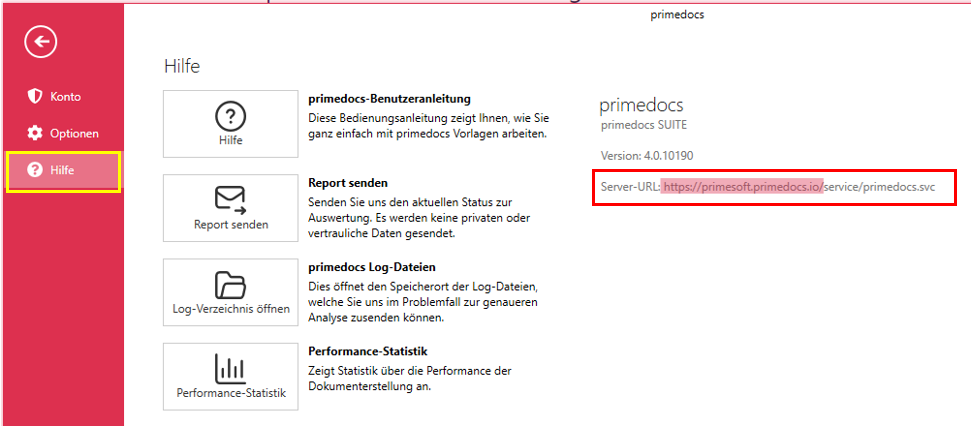
- Paste the URL into the address bar of your browser and append the word “datasourceadminapp” (if your server version is earlier than version 4.1, append the word “admin”). E.g. “https://primesoft.primedocs.io/datasourceadminapp”
warning
Only users who have been authorised in the corresponding file located on the application server can access this website. If you do not have access but require it, please contact your internal administrator.
tip
TIP
Save the website as a bookmark in your browser.
- Depending on what you would like to do, you can now reach the corresponding dashboard by clicking the desired database: