Office AddIn Installation
This page only refers to the “modern” (JavaScript-based) Office AddIns, which are also available for macOS.
The COM AddIns are available for the classic Windows Office programs: Client Installation
Overview
The primedocs AddIn for Office offers a TaskPane to access Office templates.
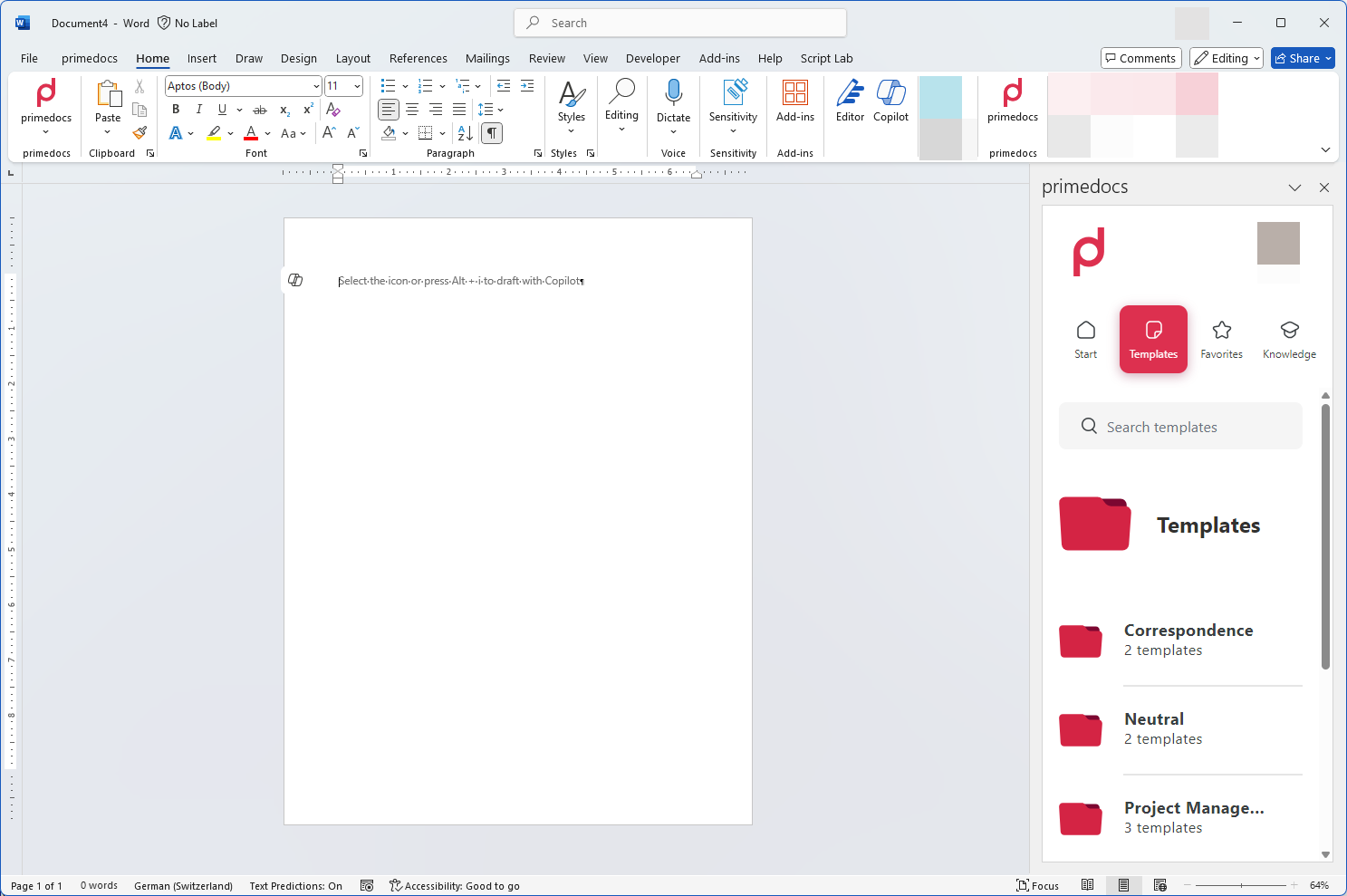
The AddIn is available in Word, Excel and PowerPoint.
There is a separate AddIn for the new Outlook: Outlook (New) AddIn Installation
Installation
Configure primedocs.config
The Office AddIn must be configured in theprimedocs.config.
Any GUID can be used as the id.
<primedocs>
...
  <officeAddin id="[GUID]" namePrefix="" />
</primedocs>
The namePrefix can be used if there are several environments. The AddIns are then named in the form {namePrefix} primedocs.
After changing the primedocs.config, the web applications should be restarted.
Generate Manifest
You can then generate the Outlook Addin Manifest via a link:
| Office | https://your-url.example.com/app/api/manifest/officeaddin |
Microsoft Admin App Installation
The generated manifest can then be uploaded and distributed via Microsoft 365 Administration.
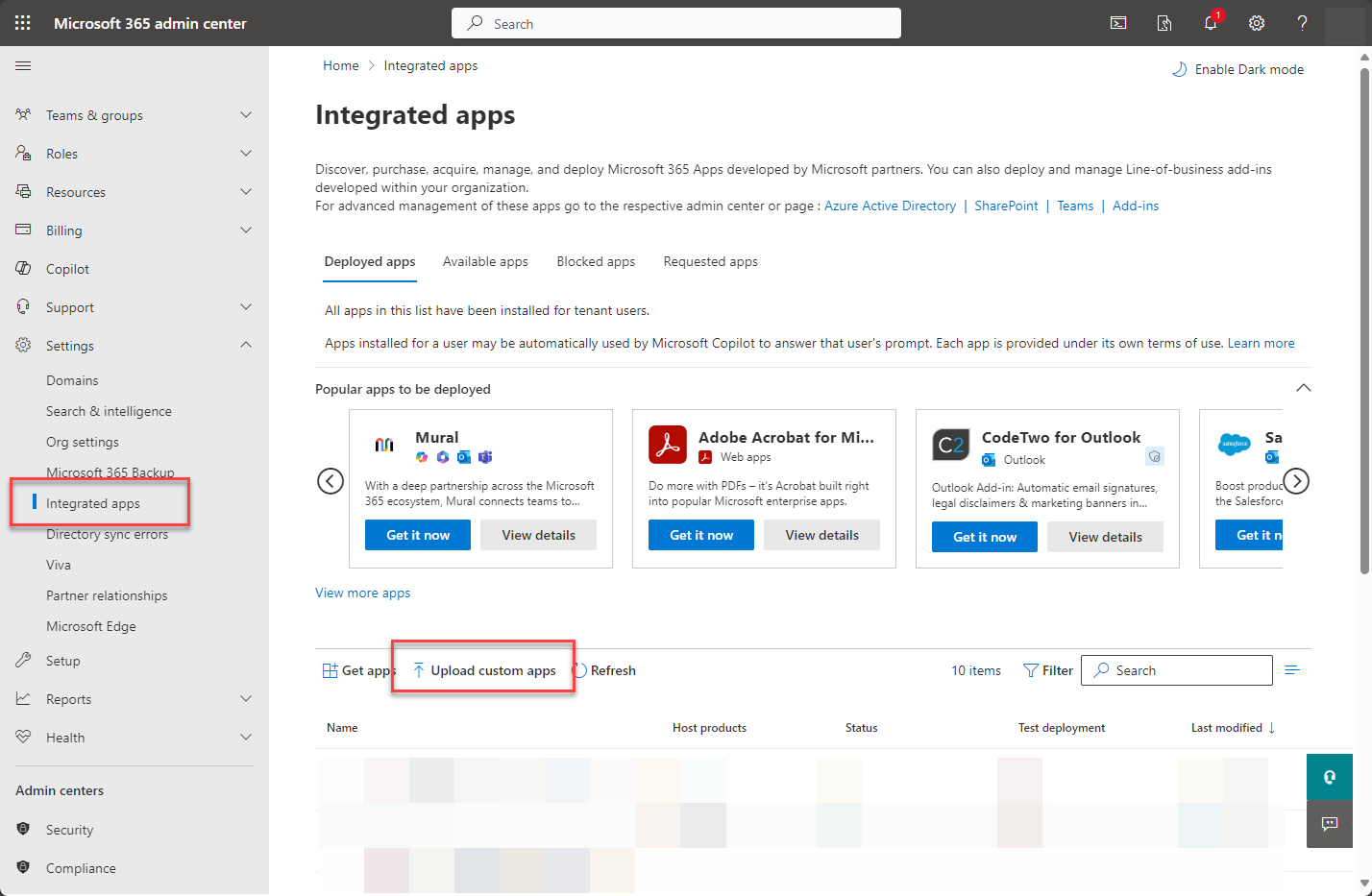
The rollout of the app may take some time.
The distribution and access management of the app is carried out exclusively by Microsoft Administration.