Installation
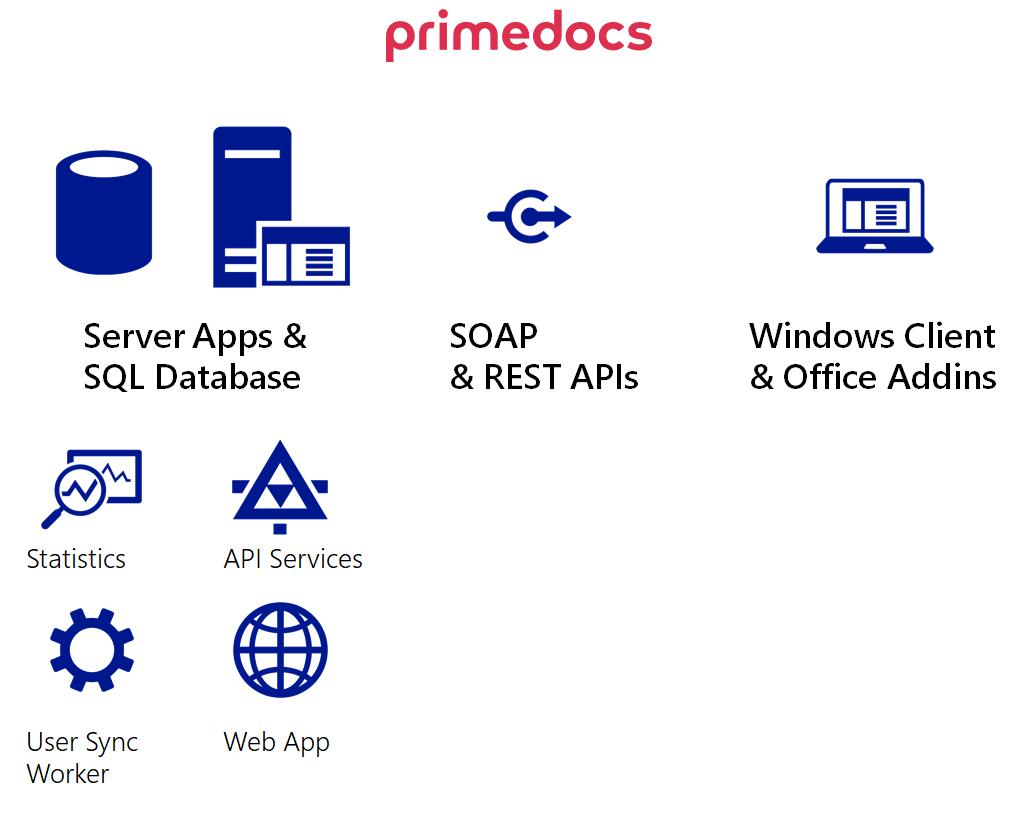
primedocs consists of several components, which can be divided into three categories:
- Desktop: The primedocs Windows client with Office Add-Ins.
- Server: Server-side applications for on-premises or Azure deployments.
- Add-Ins: Modern JavaScript-based Office, Outlook, Teams, and SharePoint integrations.
Desktop
The primedocs desktop Windows client offers different functions for the normal user, for template editors and for administrators. For more information on installation, see Desktop Installation.
note
NOTE
To learn more about the operation of primedocs, read our End-User Manual.
Server
On the server side, primedocs stores all its data in an SQL database. This data is made available to the Windows client for synchronization through an API service.
- On-Premises: Installation on a Windows Server with IIS.
- Azure: Installation on Azure Platform as a Service (PaaS).
- primedocs.config: Central configuration file for all server-side applications.
Add-Ins
Modern JavaScript-based Add-Ins for Office, Outlook, Microsoft Teams, and SharePoint:
- Office Desktop: Word, Excel, and PowerPoint Add-In.
- Office Web: Office Web Add-In.
- Outlook New: Add-In for the new Outlook.
- Microsoft Teams: primedocs as a Teams app or channel tab.
- SharePoint: Integration into SharePoint document libraries.